You can now sign in to Quento in two ways: with a password or with a one-time code sent to your email address.
Setting a password is completely optional. If you prefer the email code you already use, you do not need to change anything.
Choose how you sign in
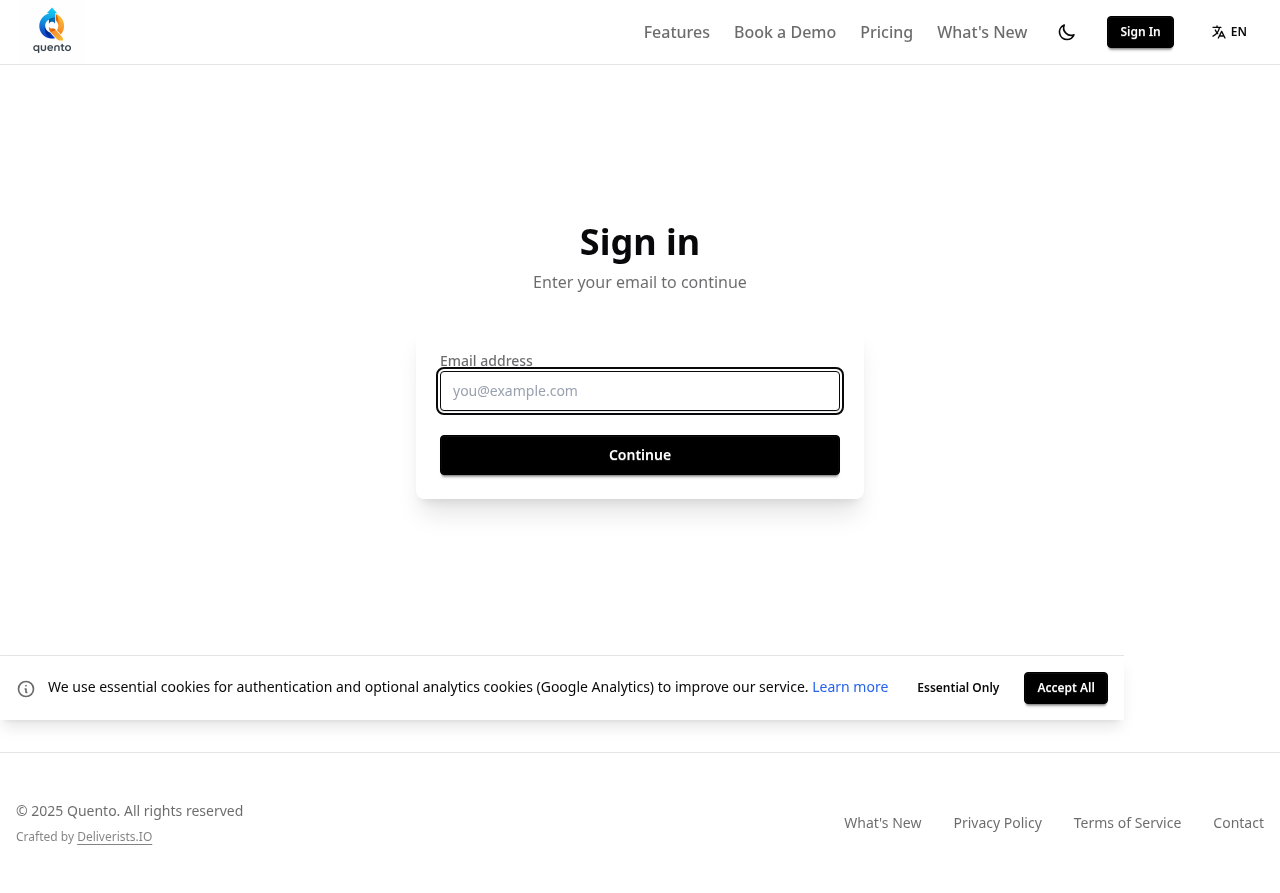
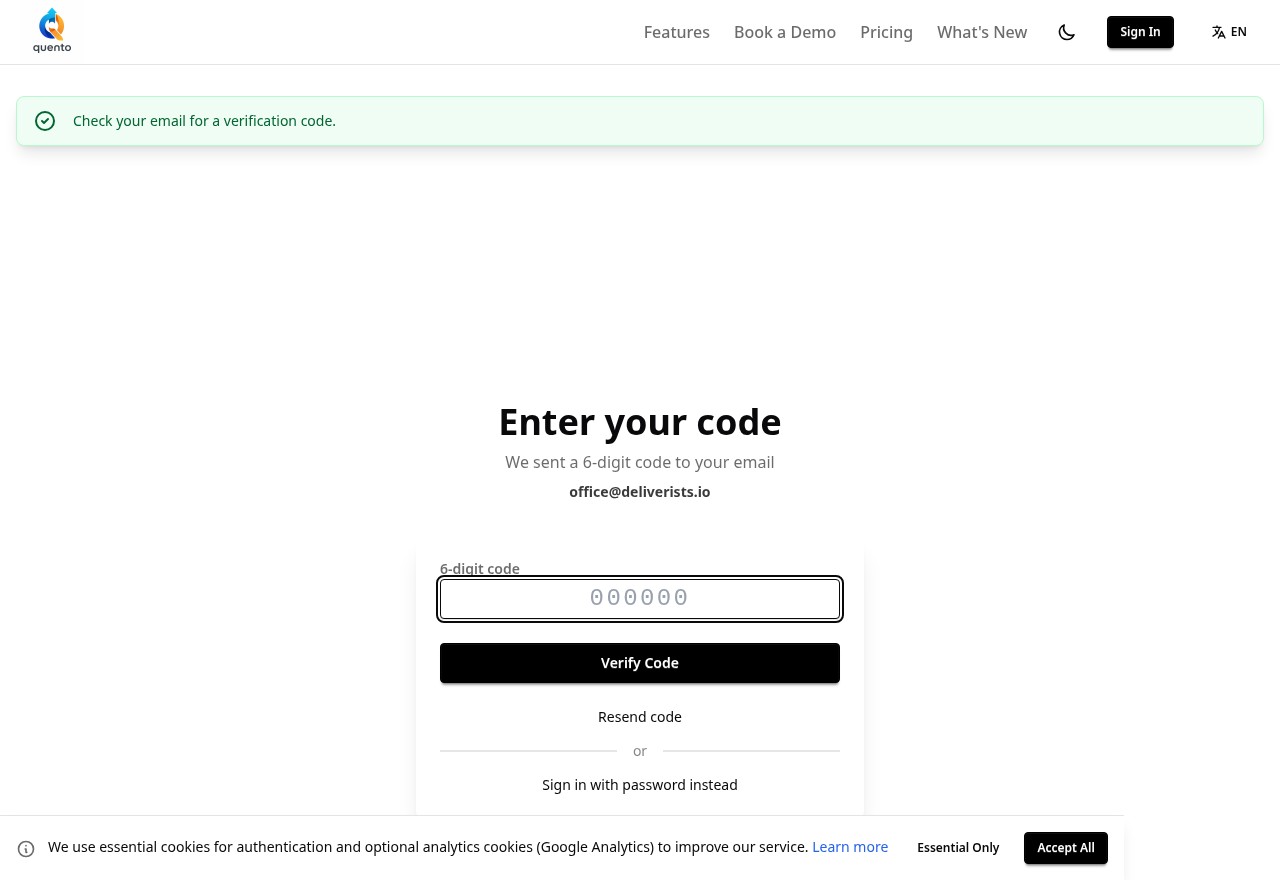
After entering your email address, we immediately send a one-time code to your inbox and take you straight to the code entry screen. From there you can:
- enter the code from the email,
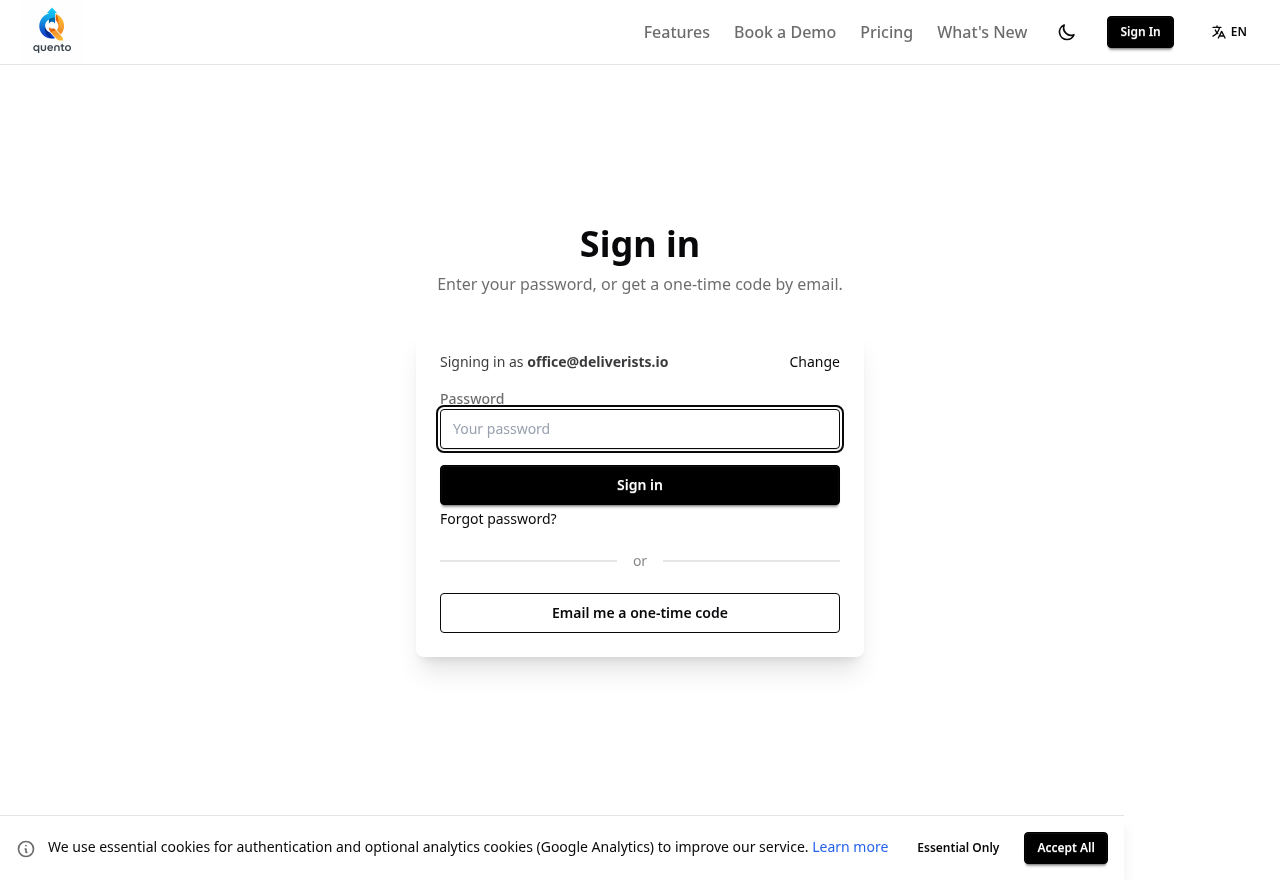
- or select Sign in with password instead.
You can choose your preferred option every time you sign in, even after setting a password.
How to set a password
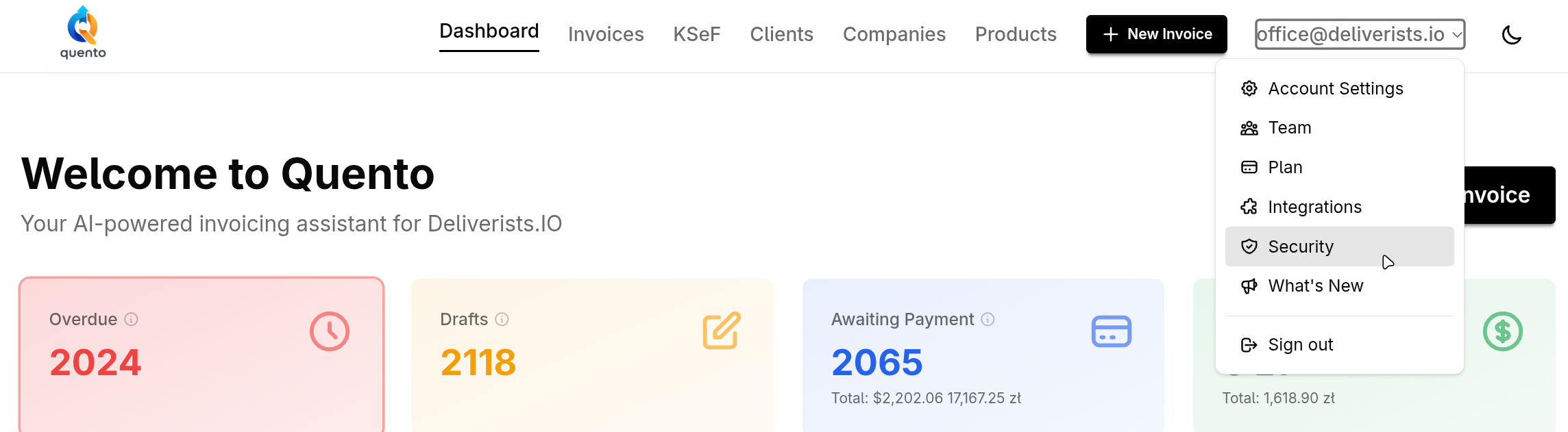
Sign in to Quento, open your profile menu and select Security.
Then:
- choose the option to set a password,
- enter a password containing at least 12 characters,
- confirm your new password.
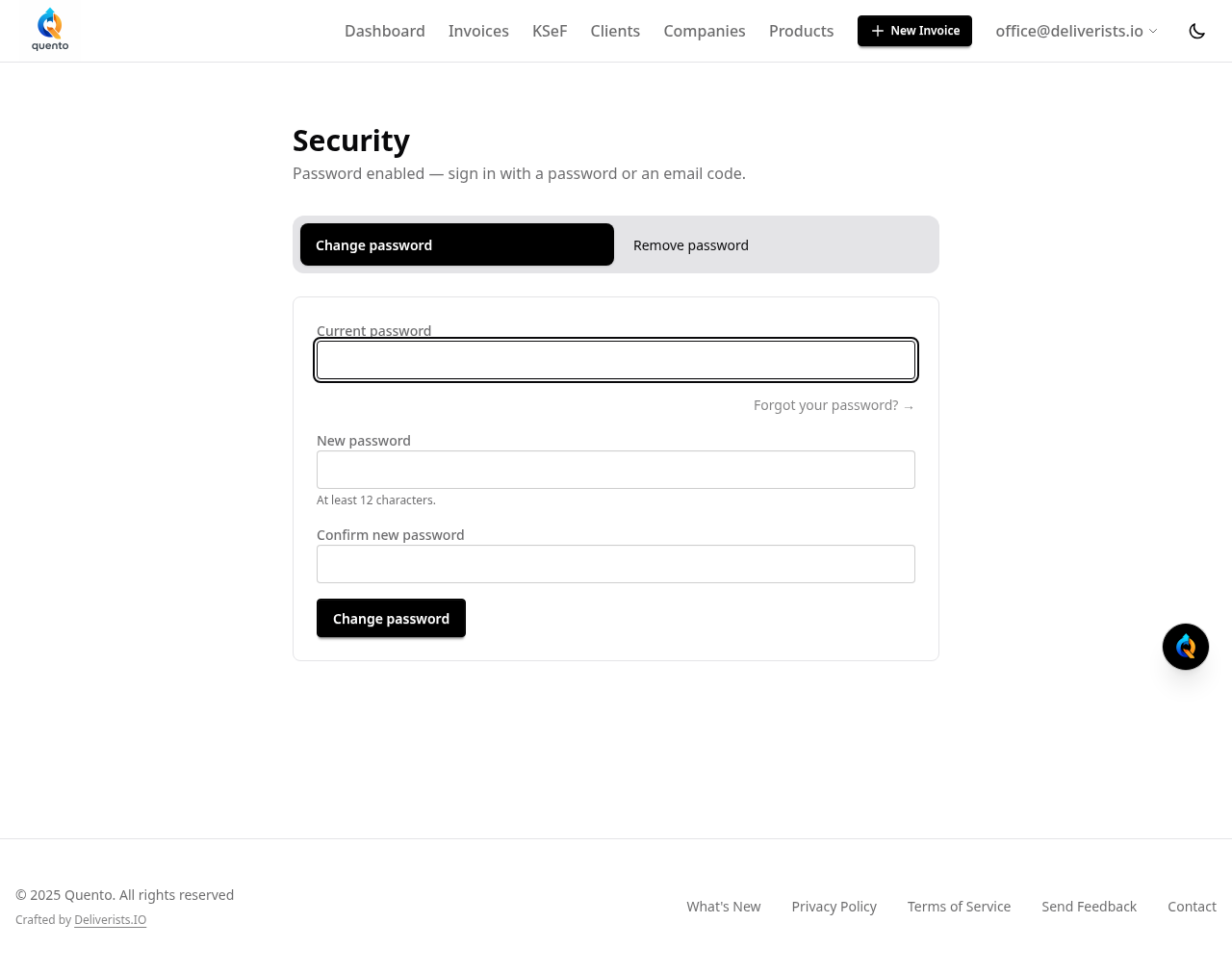
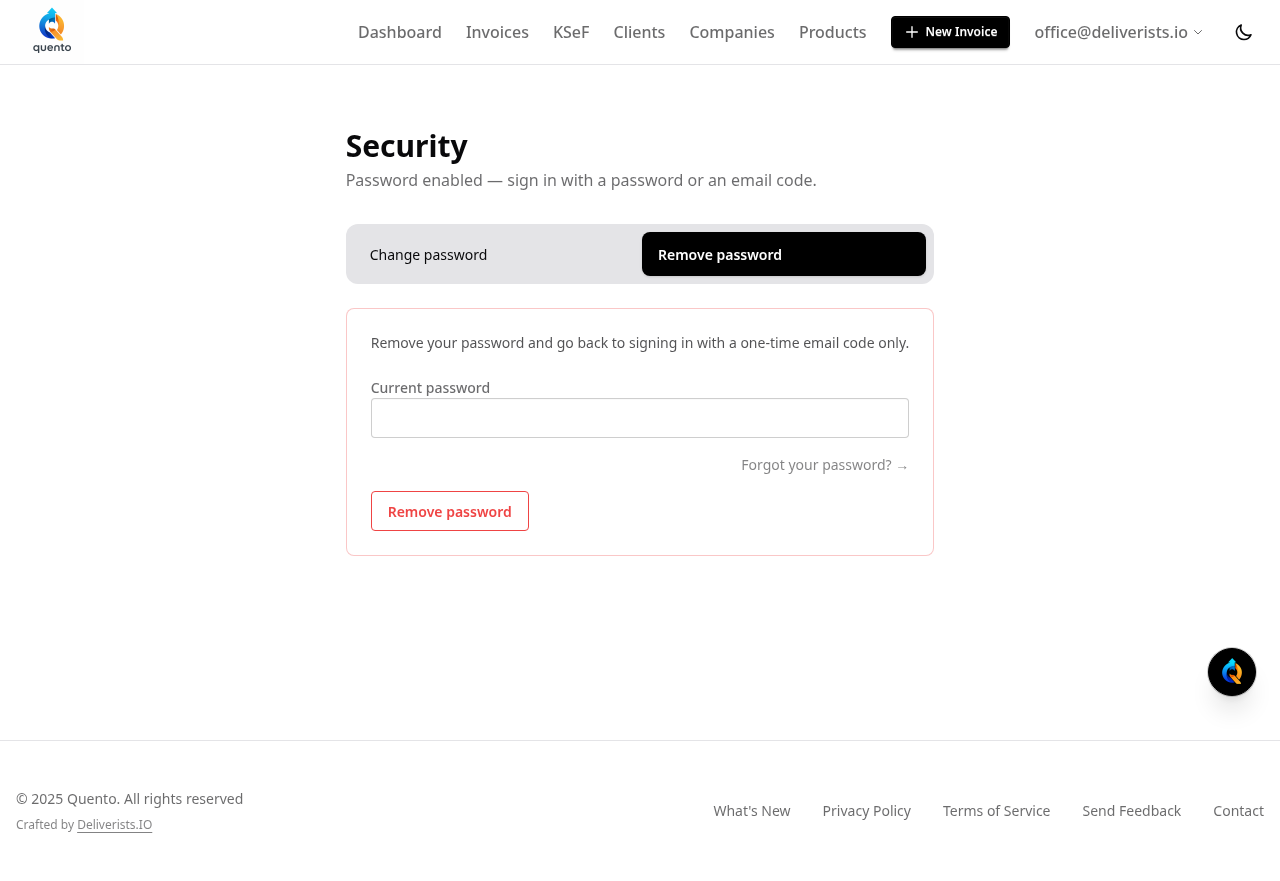
That is it. The next time you sign in, you can use your password or continue using a one-time email code.
Passwords are configured separately for each user. This means that members of the same team can use different sign-in methods.
You can change or remove your password at any time from the Security page.
Forgot your password?
Select "Forgot password?" on the sign-in screen. We will email you a link that allows you to set a new password.
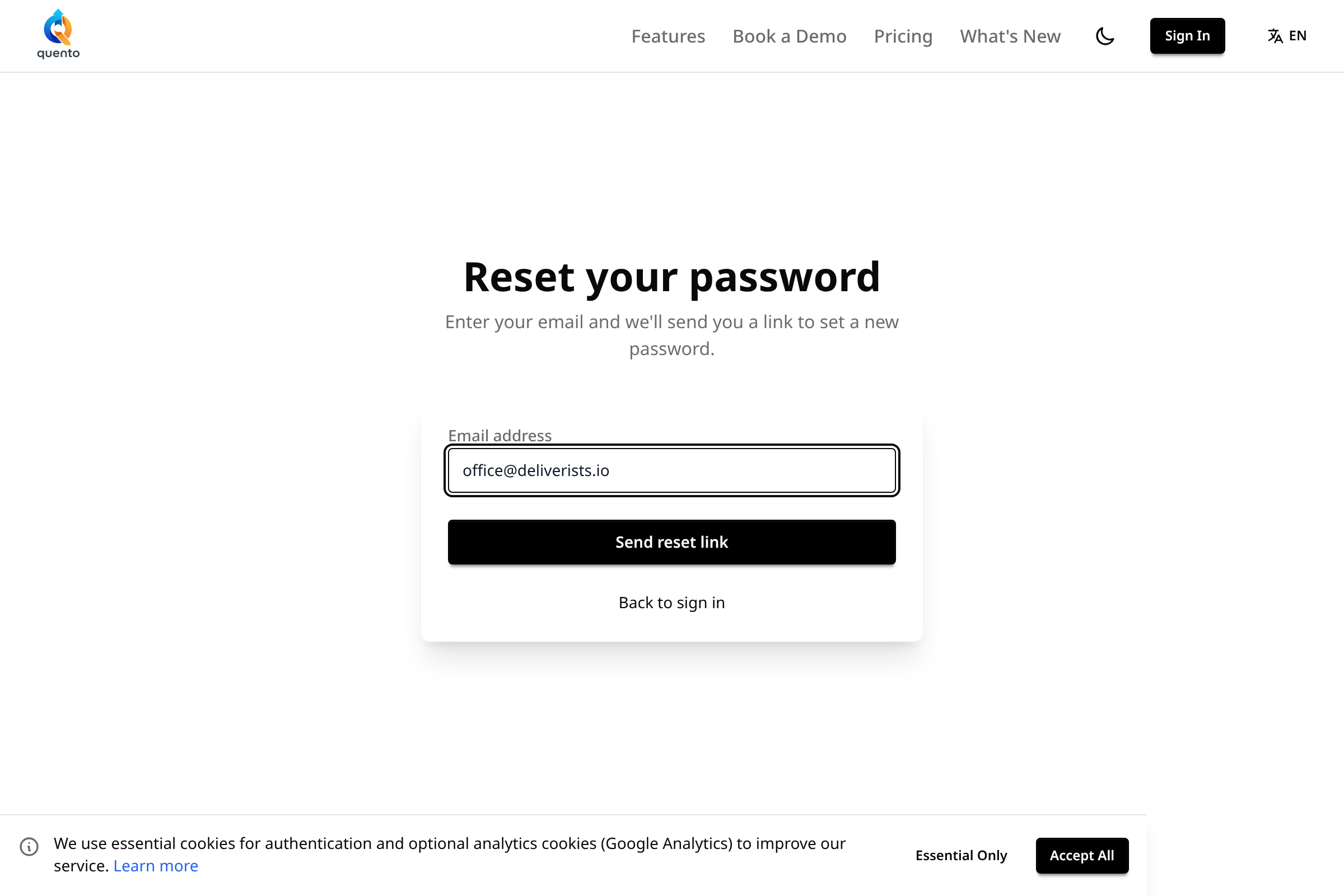
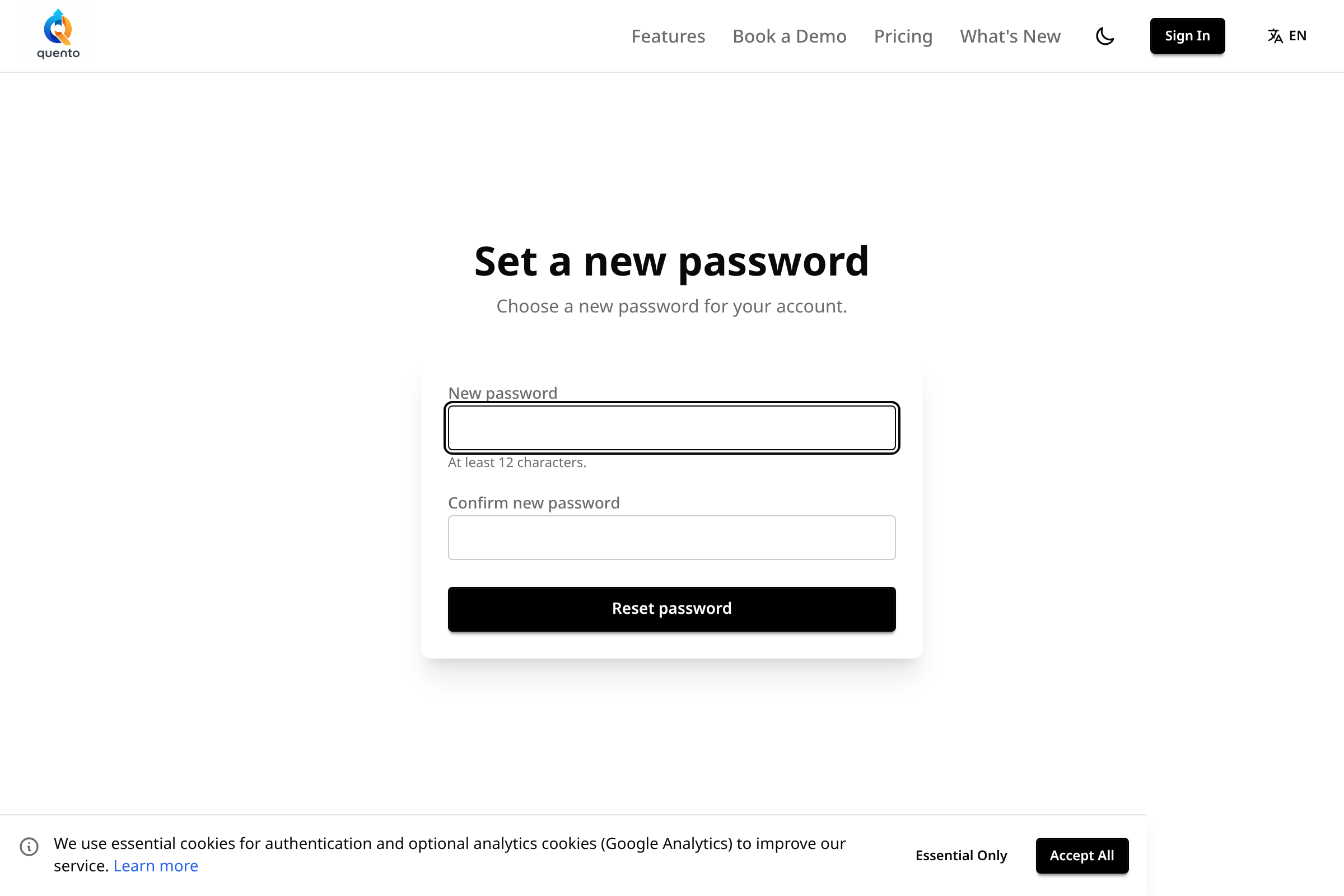
You can also continue signing in with a one-time email code.
Try the new sign-in option
Open Quento and go to profile menu → Security to set your password.